
Phone and texting
Get a new business number
In this article
Your business number is the one customers call and text. You pick it yourself: search by area code or by digits you'd like in it, then click Choose. The number is bought the moment you click, and it's billed every month. Each business has one number. If you already have a number you want to keep, move it to BizBaby instead.
Before you start
- You need admin access to the business. Team members without access to business settings can't open the number pages.
- Your plan must include calling. If it doesn't, the button on the Business phone number card is greyed out and says which plan to upgrade to.
- Make sure no BizBaby bill is unpaid. A number is a monthly charge, so BizBaby won't buy one while a bill is open, and it may ask you to add a card first.
1. Open the number search
- Click the gear icon at the top right, then Business Information.
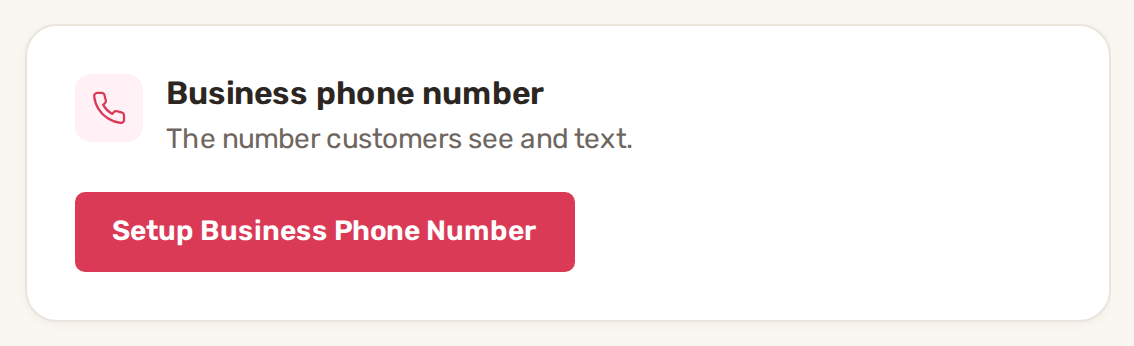
- On the Business phone number card, click Setup Business Phone Number.
Opening Communications → Call & Message Center before you have a number takes you to the same page. It's titled Finish communication setup and has three steps on the left: Business phone, Business email and Enter the center.
The page already lists available local and toll-free numbers when it opens. You can choose one from that list or search for a better one.
2. Search for a number
- Under Choose a BizBaby number, type an Area code (three digits).
- Optionally, type 2 to 7 digits in Number contains, for example the last digits of an easy-to-remember number.
- Leave Local, Toll-free or both ticked.
- Click Search numbers.
The list shows each number, the town and state it belongs to, whether it's Local or Toll-Free, and whether it can do Voice, SMS and MMS (picture messages). Only US numbers are offered.
| Type | When to pick it |
|---|---|
| Local | Most service businesses. Customers see a number from their own area. For texting you then complete text messaging registration (A2P 10DLC). |
| Toll-free | You serve a wide area and want an 8XX number. Texting needs toll-free verification, a different form. |
3. Choose your number
Click Choose next to the number you want. There is no second confirmation: BizBaby buys the number straight away and it becomes your business number. Until you click Choose, nothing is bought; the page says so at the bottom: No number is purchased until you choose one.
BizBaby then moves you to the next setup step, the business email, or into the Call & Message Center if your email is already set up. Your number now shows on the Business phone number card.
Calls work right away, but US carriers block business texts from unregistered numbers. The card shows Needs verification until you're registered. Click it to start.
Continue without a phone
If you don't want a number yet, click Continue without phone at the bottom of the page. Call and text controls stay hidden in the Call & Message Center, and customer chat still works. You can get a number later from the Business phone number card.
Changing your number later
Once you have a number, the card shows it locked. To change it, email support@bizbaby.com. Your text history moves with it.
Common problems
- "No numbers found". Nothing matches that area code and those digits. Try a nearby area code, fewer digits, or tick both Local and Toll-free.
- "Buying a phone number is paused until the outstanding BizBaby bill is paid." Pay the open BizBaby bill, then choose the number again.
- The Setup Business Phone Number button is greyed out with a lock. Your plan doesn't include calling. The lock message names the plan that does.
- You can't see the button or the page. Only a business admin can buy the number. Ask the owner to do it, or to give you access to business settings.
Related
- Text messaging registration (A2P 10DLC)
- Move (port) your existing number to BizBaby
- Call routing, forwarding, greetings and missed calls
- The Call & Message Center
Was this article useful?
Keep reading
More Phone and texting
Call recording
Turn recording on or off Click the gear icon at the top right, then Call & Message Center. Communications → Settings in...
Read guide →Call routing, forwarding, greetings and missed calls
Where to find the settings Click the gear icon at the top right, then Call & Message Center. You can also open it from C...
Read guide →Messaging limits and delivery problems
Did my text arrive? Under each text you send, next to the time, BizBaby shows where it stands. LabelWhat it means Sendin...
Read guide →Knowing what to charge is step one
First 3 months free. No card required. Bring the whole team.
Start Free Trial Back to Login